Wedding prints that play the moment they were taken.
Each photo is paired with the video from the same moment. Guests scan the code on the frame, point their phone at the print, and the video plays right on the paper.
- No app to install
- Safari and Chrome
- 4 × 6 to 8 × 10 in prints
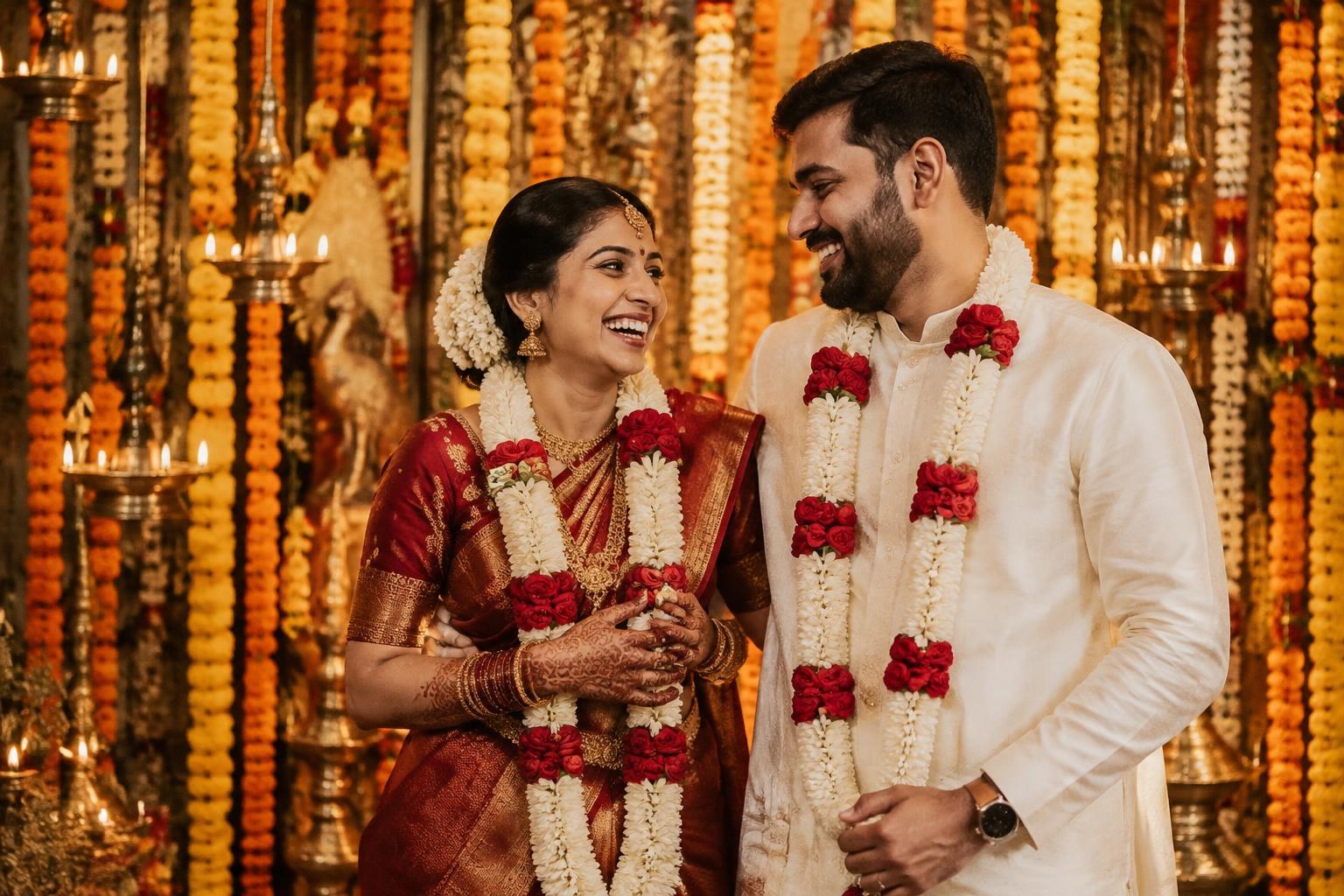
From the shoot to the frame in three steps
About three minutes per photo in the studio. Nothing for guests to install.
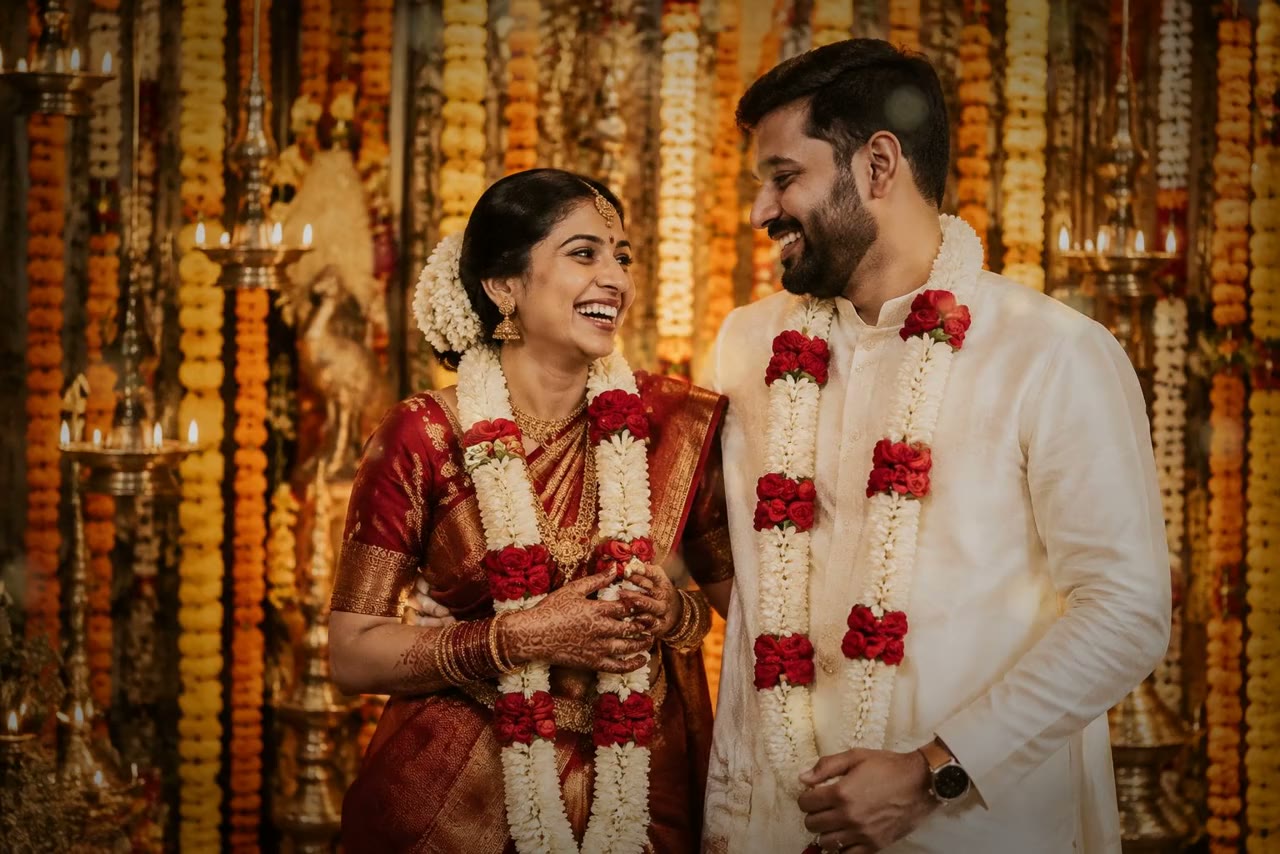 0:10
Pair the photo with its video
The studio uploads the chosen print and the clip from the same moment, cropped to the same shape.
- Scan, then point your camera at the photo
Print it with its code
A matte print with a small QR in the border, sized for 4 × 6 up to 8 × 10 frames and albums.
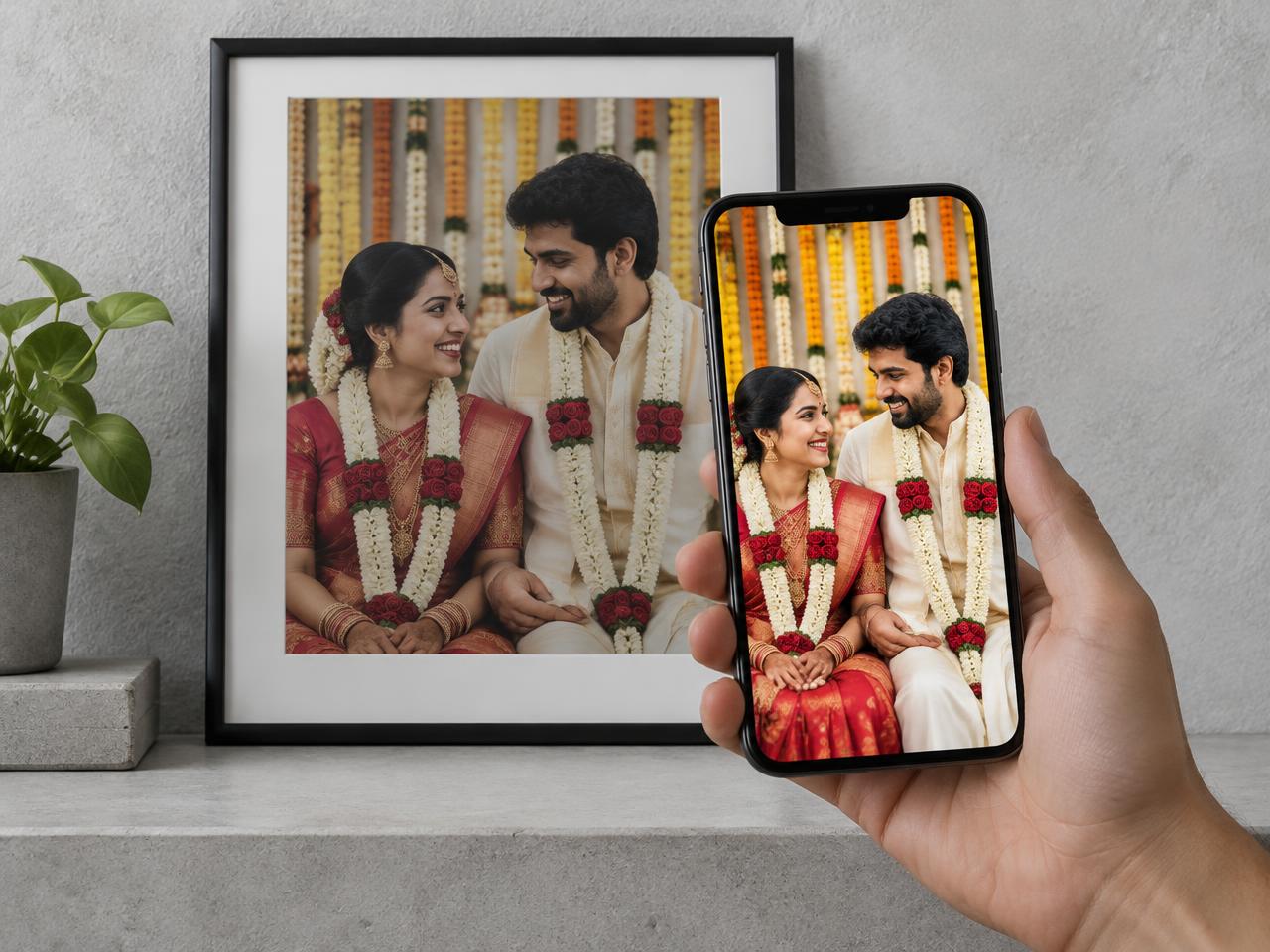
Guests scan and watch
They scan the code, point the camera at the photo, and the video plays locked onto the print.
Cut for the frame on your wall
Every living photo is cropped to its print size before it's prepared, so the video lines up with the edges of the paper.
- No app to install
- Works in Safari on iPhone and Chrome on Android, straight from the QR code.
- A whole album under one code
- One QR can bring every photo in an album to life, each with its own video.
- Steady on the print
- The video stays locked to the paper as the phone moves, and holds through small wobbles.
- Private by default
- Videos only play for people holding the printed code, and the owner can switch a photo off at any time.
Made for the studio that shoots it and the family that keeps it
Photo studios
Add living photos to every wedding package.
- Bulk packs of living photos at a studio rate
- Client names on every project, print-ready files
- See how often each photo is played
Families
Bring your own prints and albums to life.
- Try it free on your own photo first
- One code for a whole album
- Renew hosting, or download a copy before it ends
See it on your own phone
Scan this code, tap Start camera, then point your phone at the photo at the top of this page.